

Merging assets
Sometimes multiple asset objects are created for the same asset if there is not enough information to properly correlate a duplicate.
The merge asset function allows for the two assets to be merged into a single asset. Merging assets cannot be undone and results in:
- All asset history and asset custom field values will be permanently lost on the asset that is being removed
- Findings and instances will be brought over to the remaining asset.
- Duplicate detection will also happen on the merged data.
Use the following steps to merge an asset into another one:
-
Navigate to the asset that will remain after the merge by selecting Inventory → Assets in the top navigation.
-
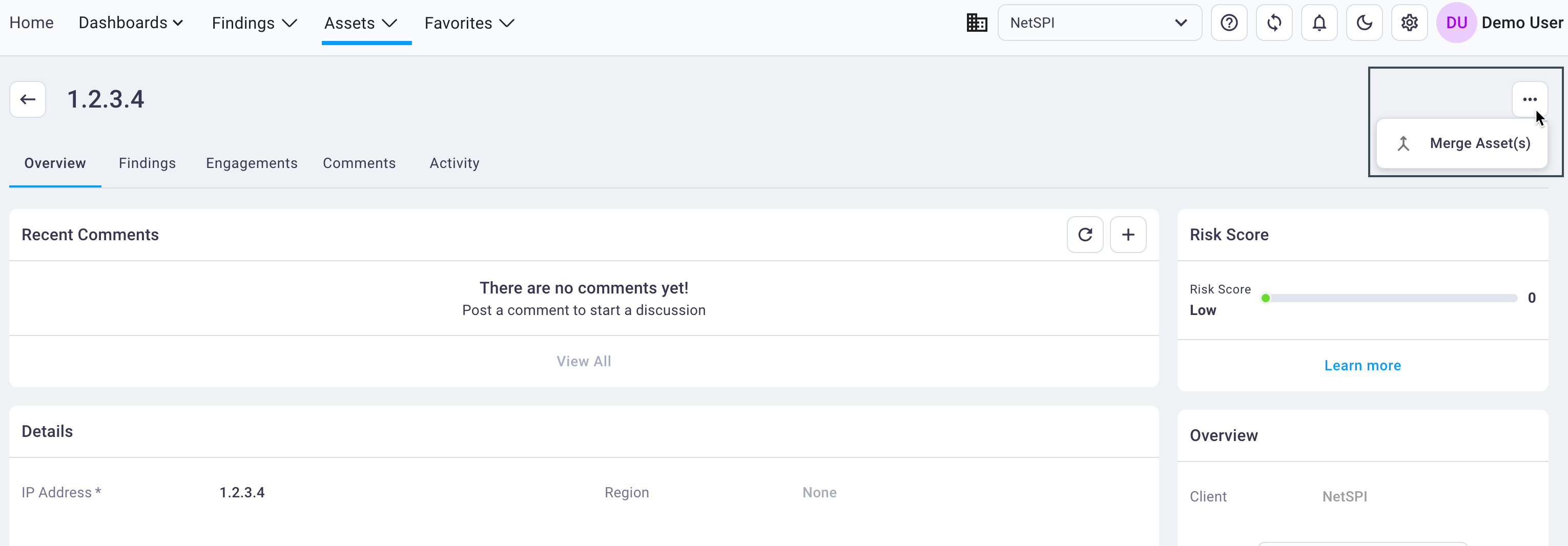
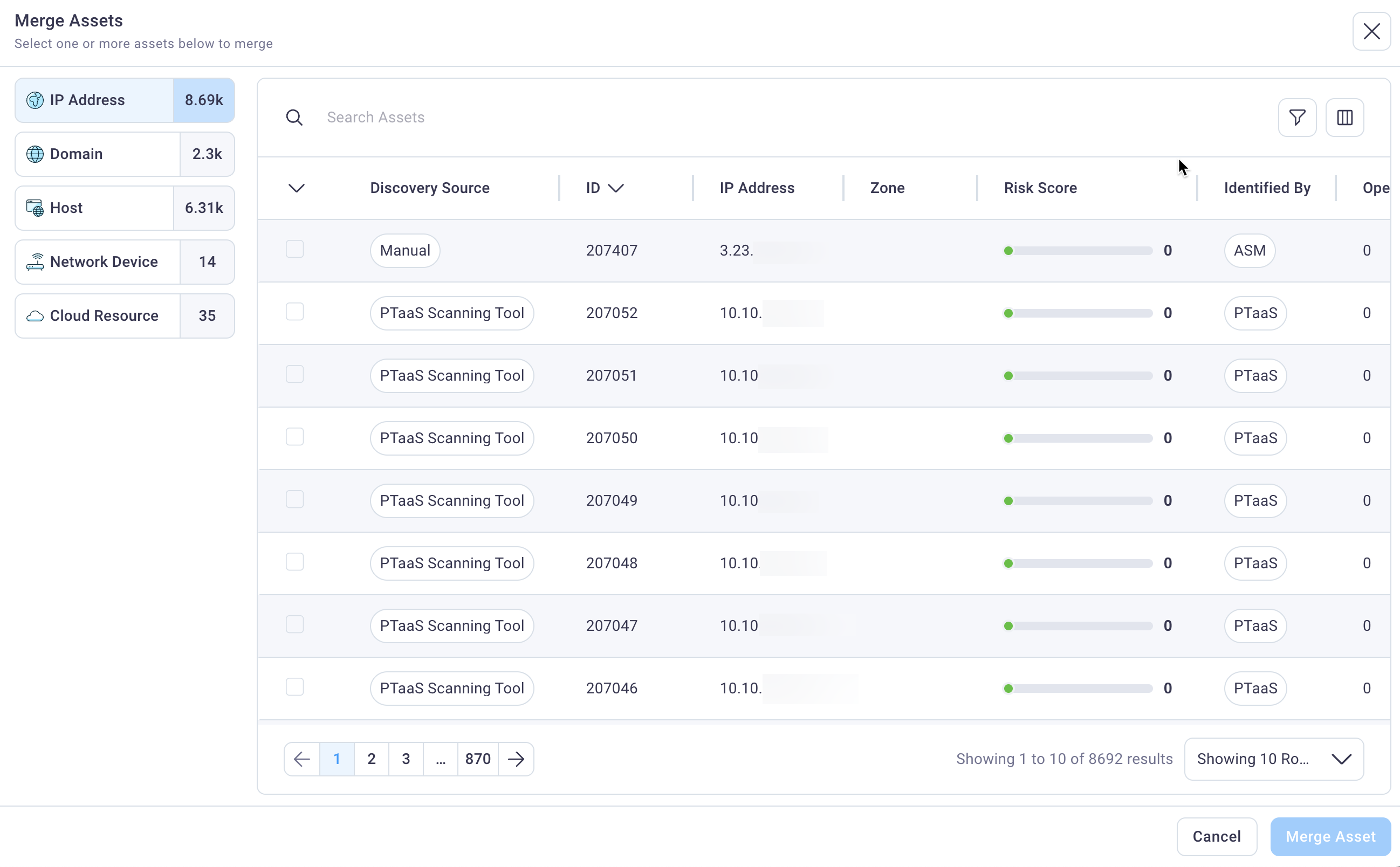
Select the upper right kebab menu and select Merge Asset(s) to display the Merge Assets dialog box.
-
Select the checkbox next to the asset that is to be merged into (this is (these are) the asset(s) that will no longer be accessible within the NetSPI Platform).
-
Select "Merge Asset" and then again select Merge Asset on the warning page.
-
The job to merge the assets will display in the Exports menu and you will be notified when the merge is complete.