
NetSPI Platform Home Page
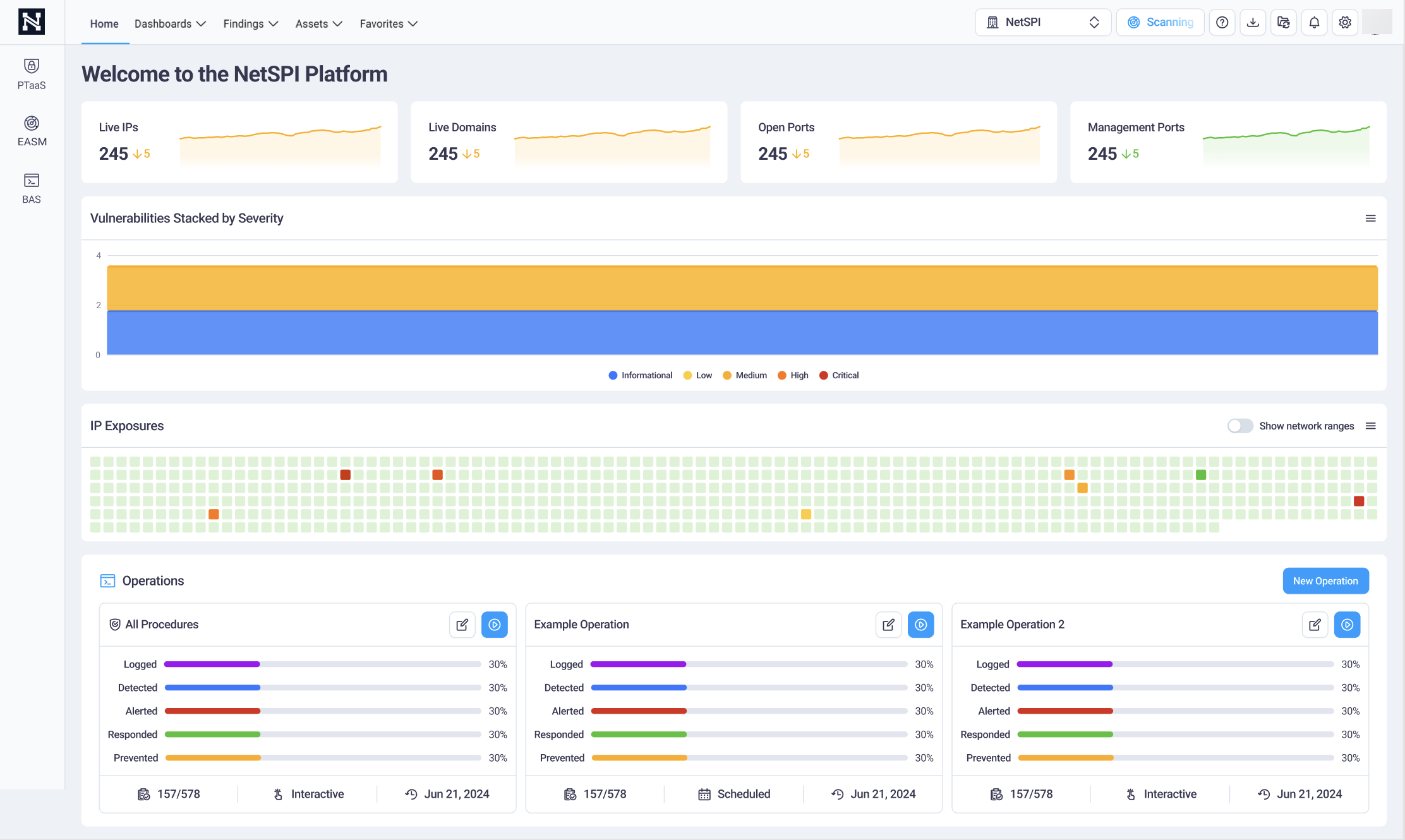
The NetSPI Platform home page displays a high level overview of your organization's data and vulnerability status.
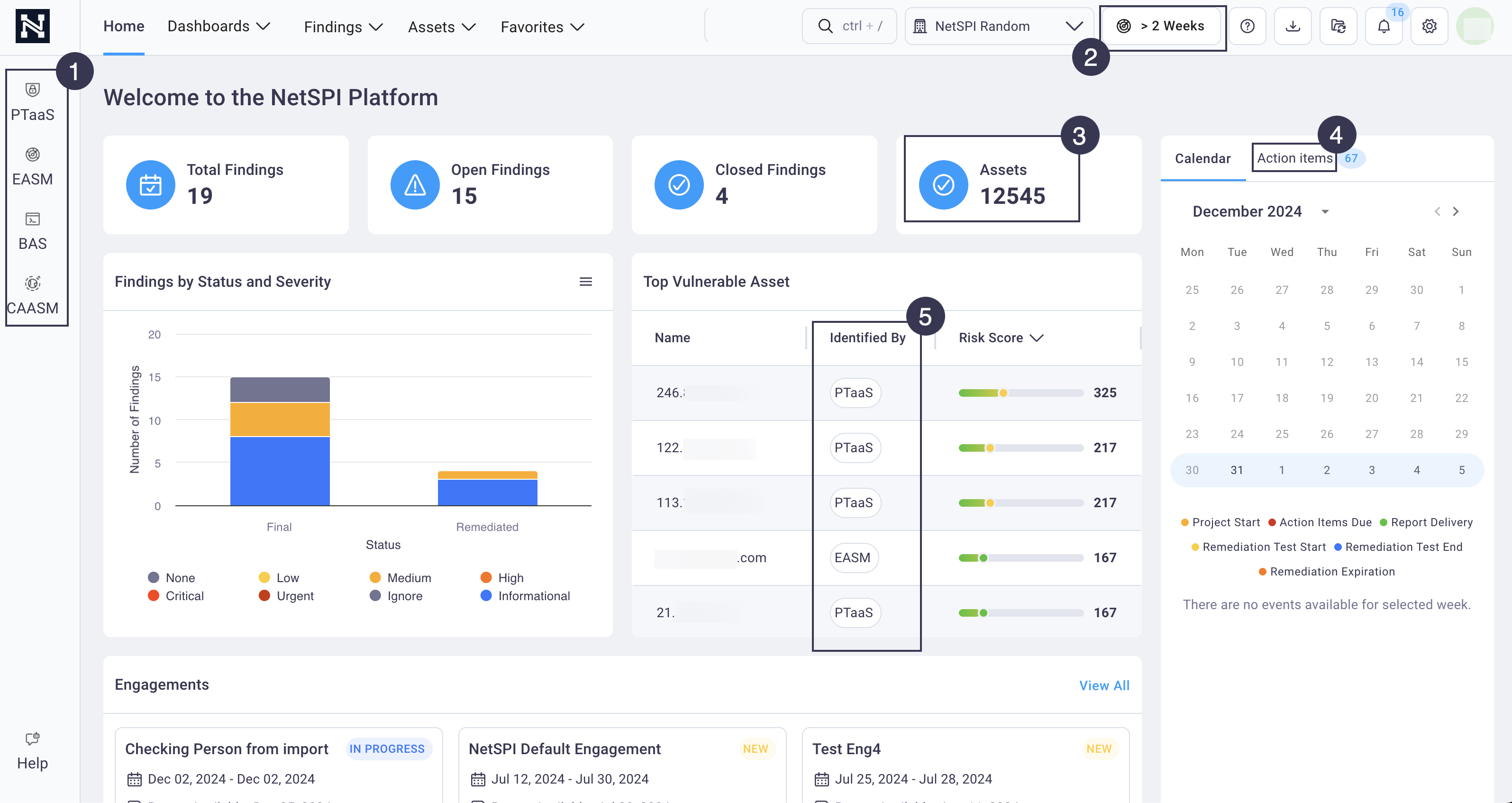
The home page display differs based on the modules you've purchased. The example above shows a home page where all modules are subscribed to and active.
The home page includes the following data when you subscribe to all modules:
- All modules are active in the left navigation. If any module is not subscribed to, it displays grayed out.
- The EASM Attack Surface Scanning schedule icon displays in the top navigation when you subscribe to the EASM module.
- The total assets count card displays asset discovered by PTaaS, EASM, and CAASM.
- Action items encompass all action items for PTaaS, EASM, BAS, and CAASM.
- The Top Vulnerable Asset table includes assets discovered via PTaaS, EASM, and CAASM.
The images below provide the home page displays based on single-module subscriptions for EASM and BAS and for EASM and BAS subscribed to together as well as CAASM.
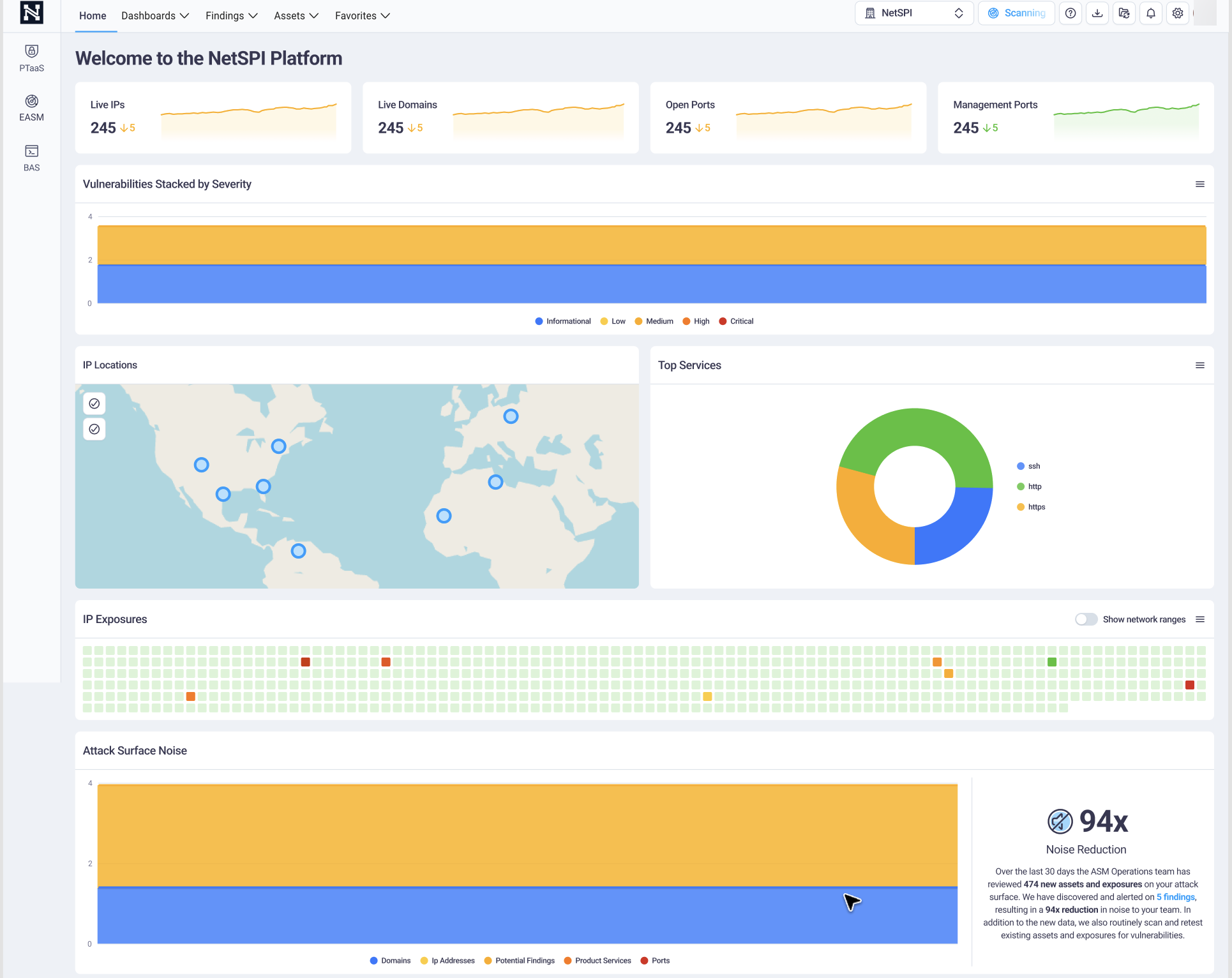
EASM-only module home page
The example below illustrates how your NetSPI Platform home page displays if you have only the EASM module.
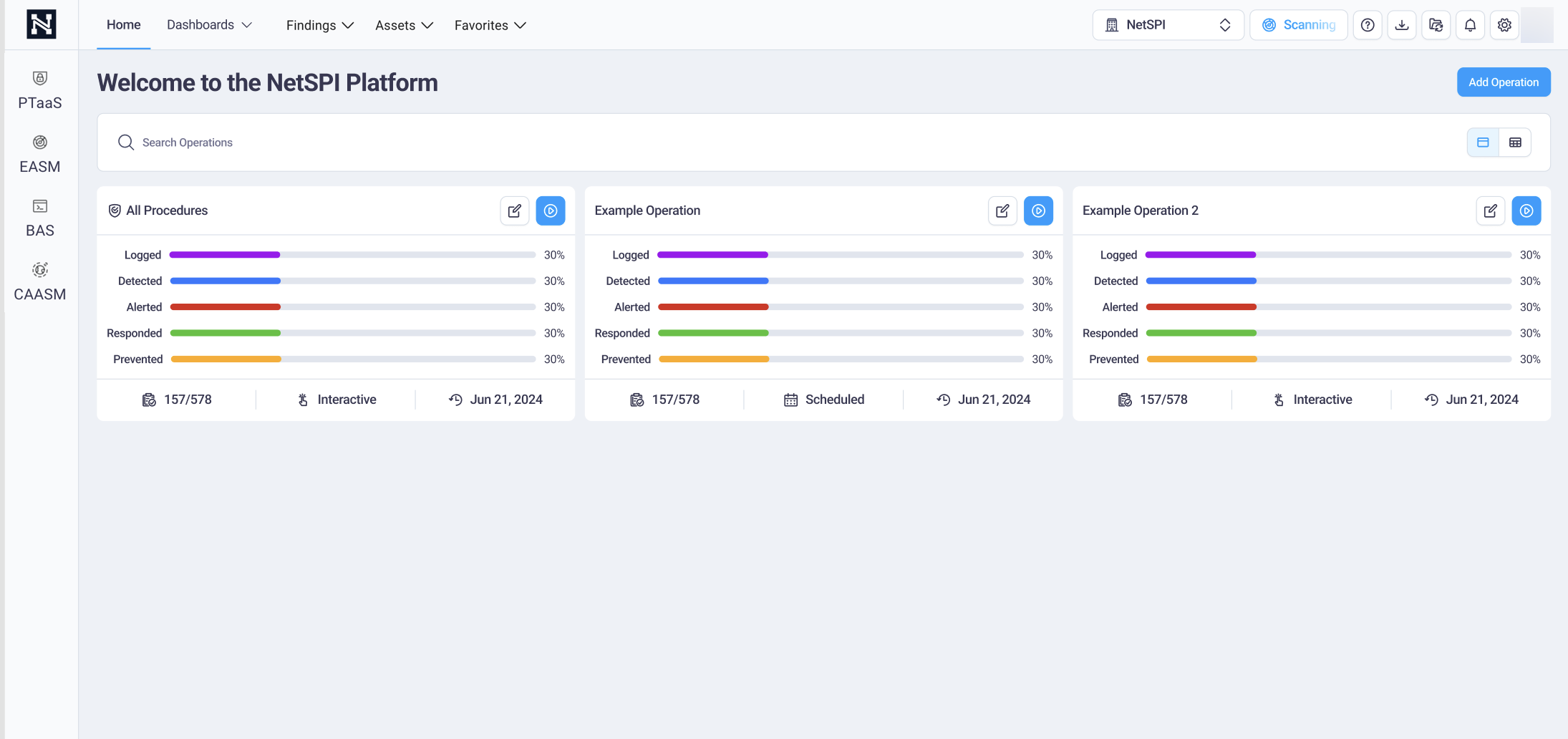
BAS-only module home page
The example below illustrates how your NetSPI Platform home page displays if you have only the BAS module.
EASM and BAS modules home page
The example below illustrates how your NetSPI Platform home page displays if you have bot the EASM and BAS modules.
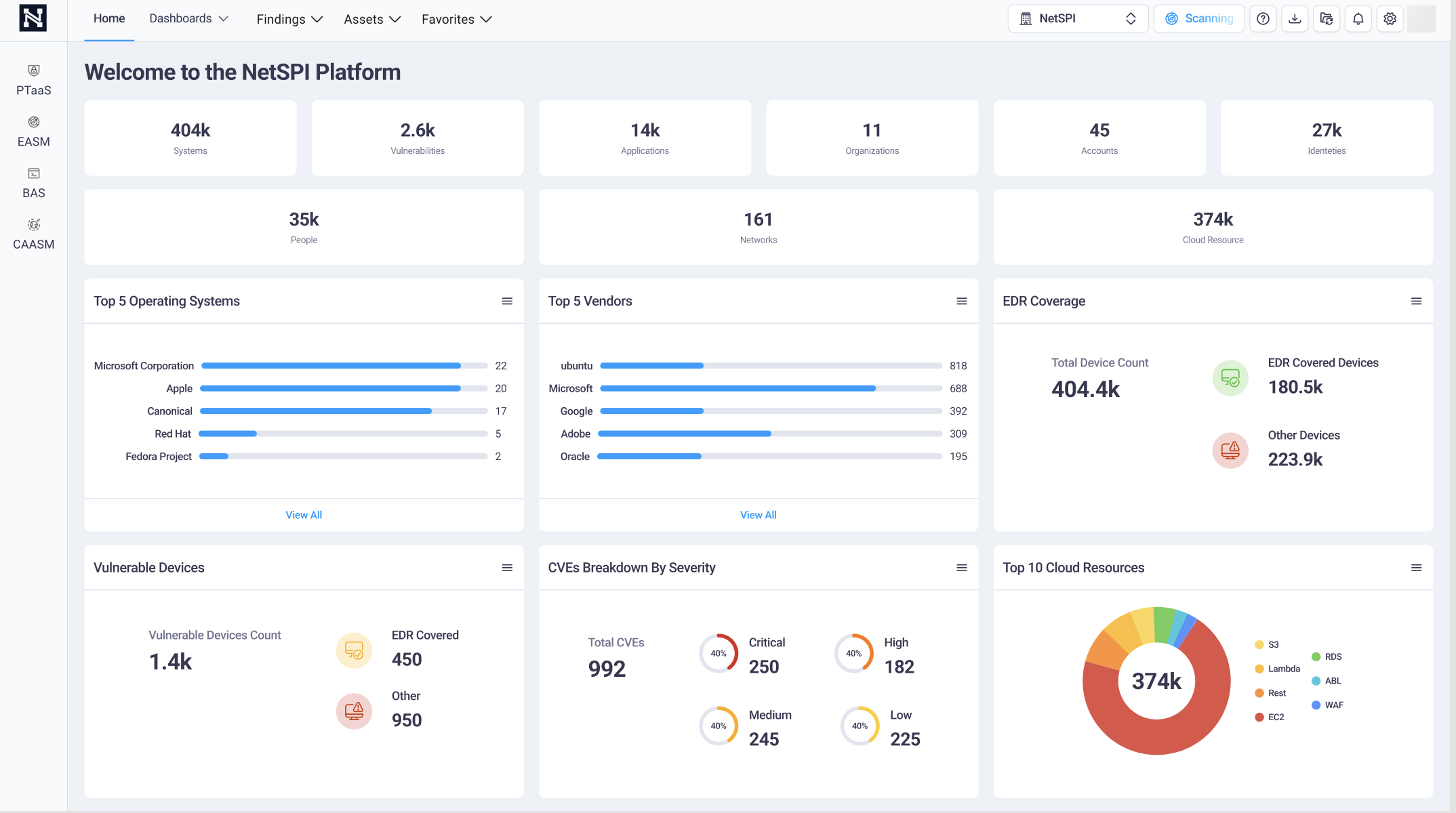
CAASM-only module home page
The example below illustrates how your NetSPI Platform home page displays if you have only the CAASM module.