

EASM Settings
The EASM settings page is where you configure the EASM-related features to uniquely fit your business model.
Use the steps below to configure the EASM module to your specifications.
-
Select the Settings icon
 to display the Settings page.
 -
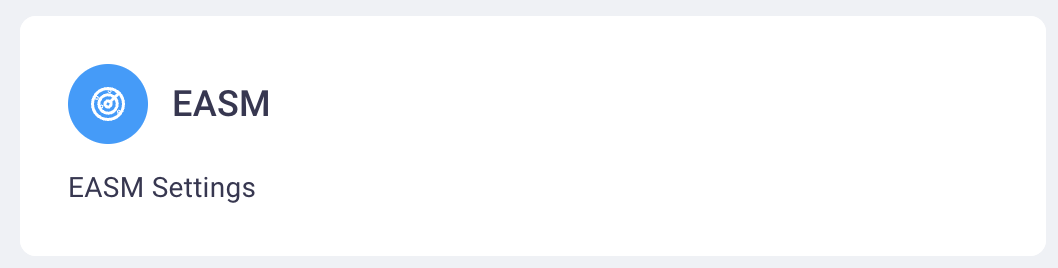
Select the EASM card to display the EASM Settings page.
-
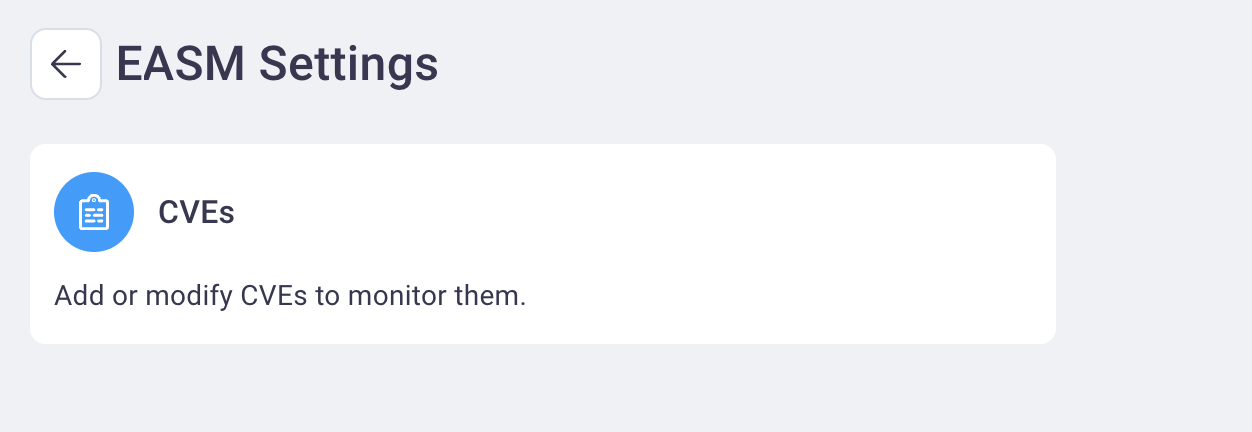
Select the CVEs card to add or modify the CVEs you wish to monitor.
-
Select Save when finished making your changes to have them applied.