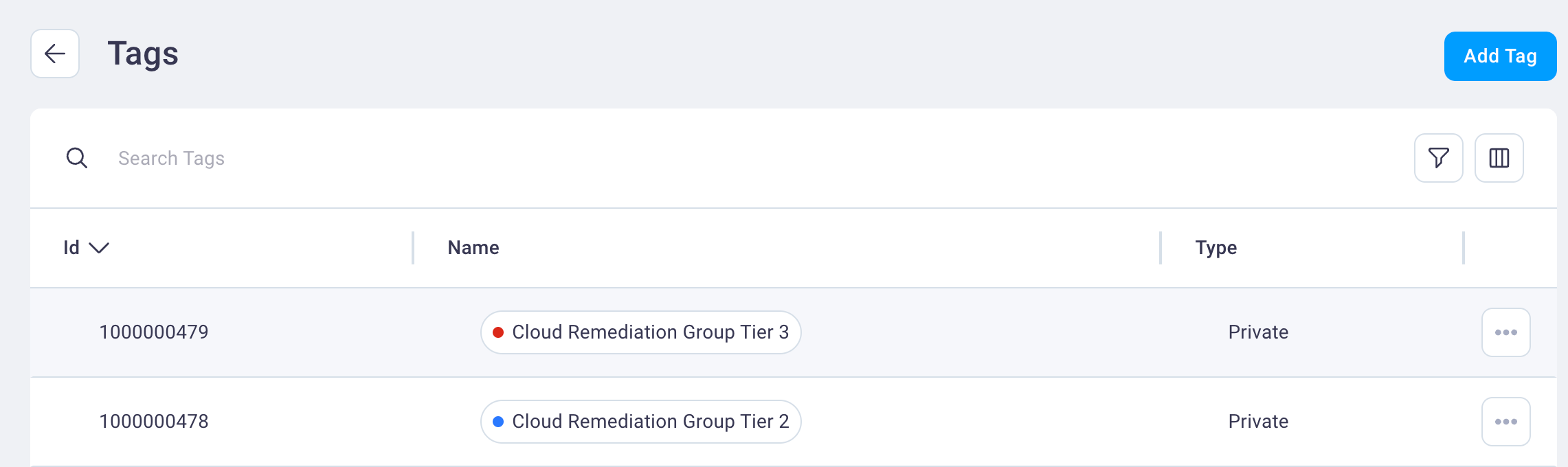

Tags management
Use the steps below to create tags that you want to apply to findings and/or assets for remediation purposes or otherwise.
-
Select the Settings icon
 to display the Settings page.
 -
Then select the Tags card to display the Tags page.
-
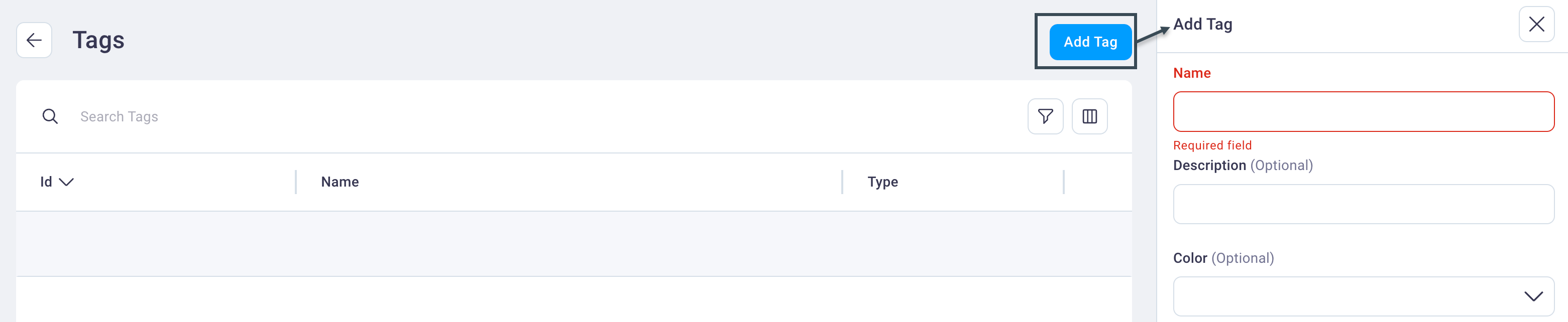
From the Tags page, select Add Tag to display the Add Tag dialog box.
-
Enter a tag name in the Name field and an optional tag description in the Description field.
-
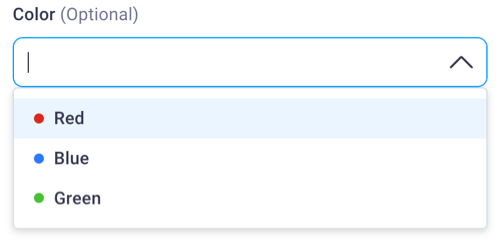
Select an optional color from the Tag Color drop-down list.
-
Select Save to save your tag and return focus to the the Tags page where you'll see your newly-created tag.