
Contacting Support
Our support team is available to assist with questions, issues, incidents, or requests. You can always request help by emailing help@netspi.com
The first time you contact NetSPI Platform support, you will need to create a separate, Support account.
A potential self-help resource is the NetSPI Platform Status page, where you can see at a glance if the NetSPI Platform is having any performance issues: https://status.platform.netspi.com/. Select Get Updates if you'd like NetSPI Platform status updates sent directly to your email.
Already have a NetSPI Support account set up?
If you already have a NetSPI support account set up, select the link below to open the NetSPI service ticket site where you can submit service requests and report incidents, bugs, or other issues.
Create a NetSPI Platform User Account (If you haven’t already)
-
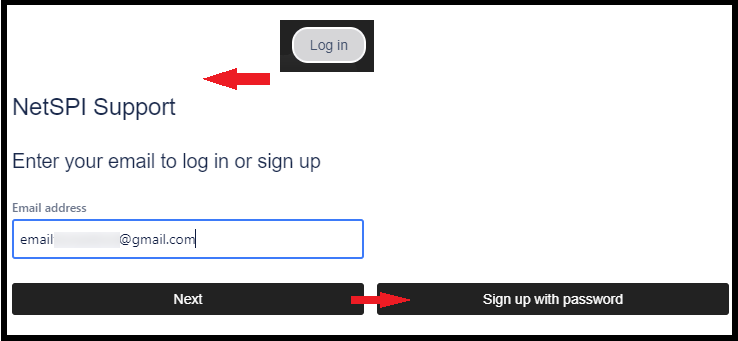
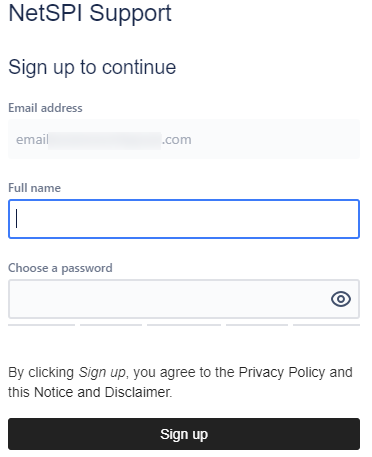
Start by creating a user account in the top right of the portal. All we need is your email.
-
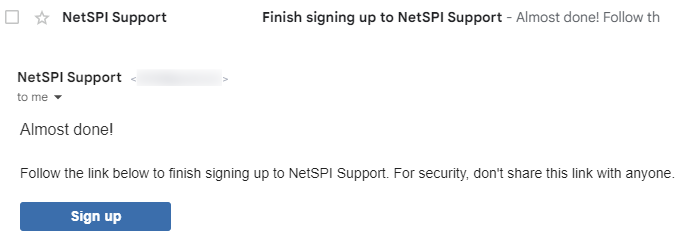
You’ll receive an email to finish creation of your account. Select the link to finish signup.
-
Create a password and you’re done!
Submitting a support request
-
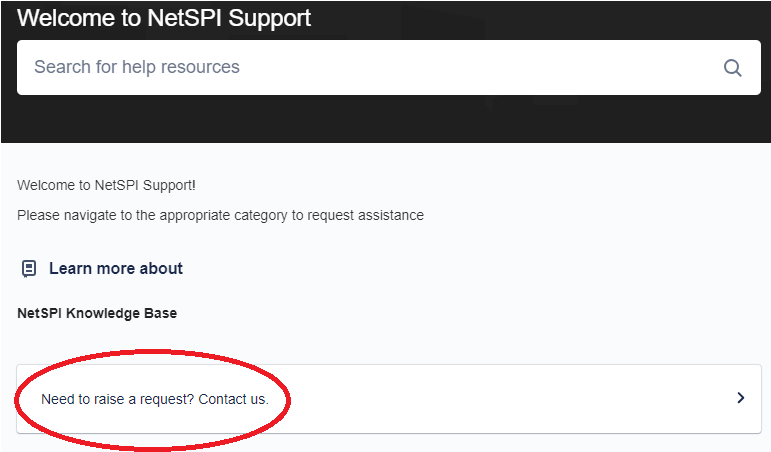
Find the form you need by navigating through the help portal.
-
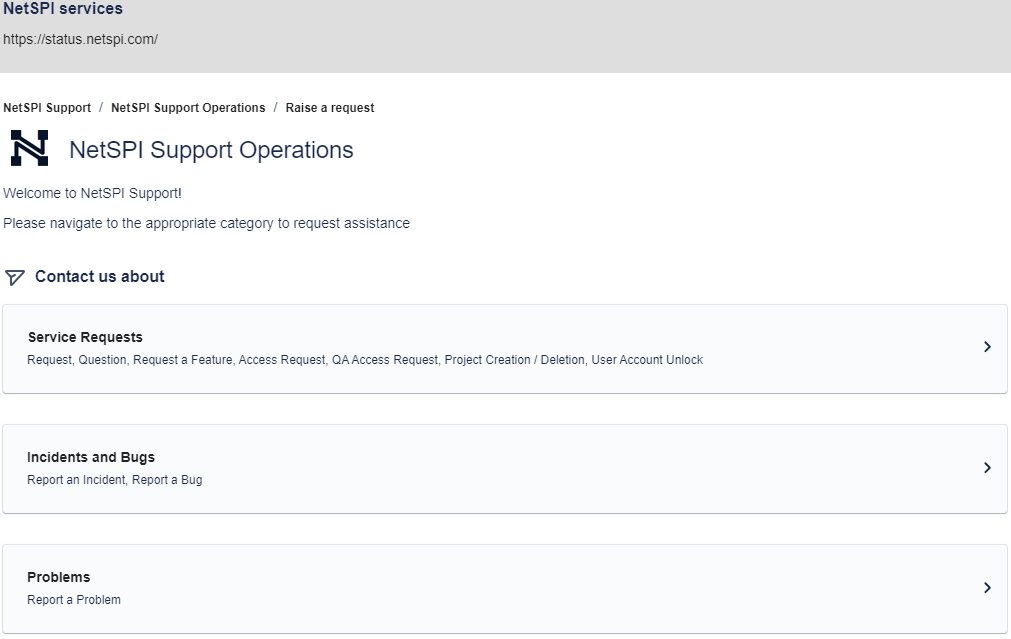
Choose your support request type.
-
Select a request-type form option.
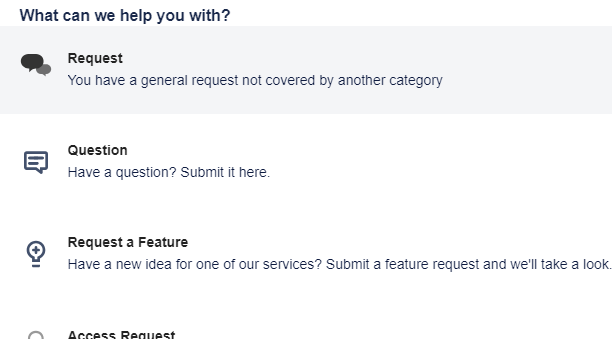
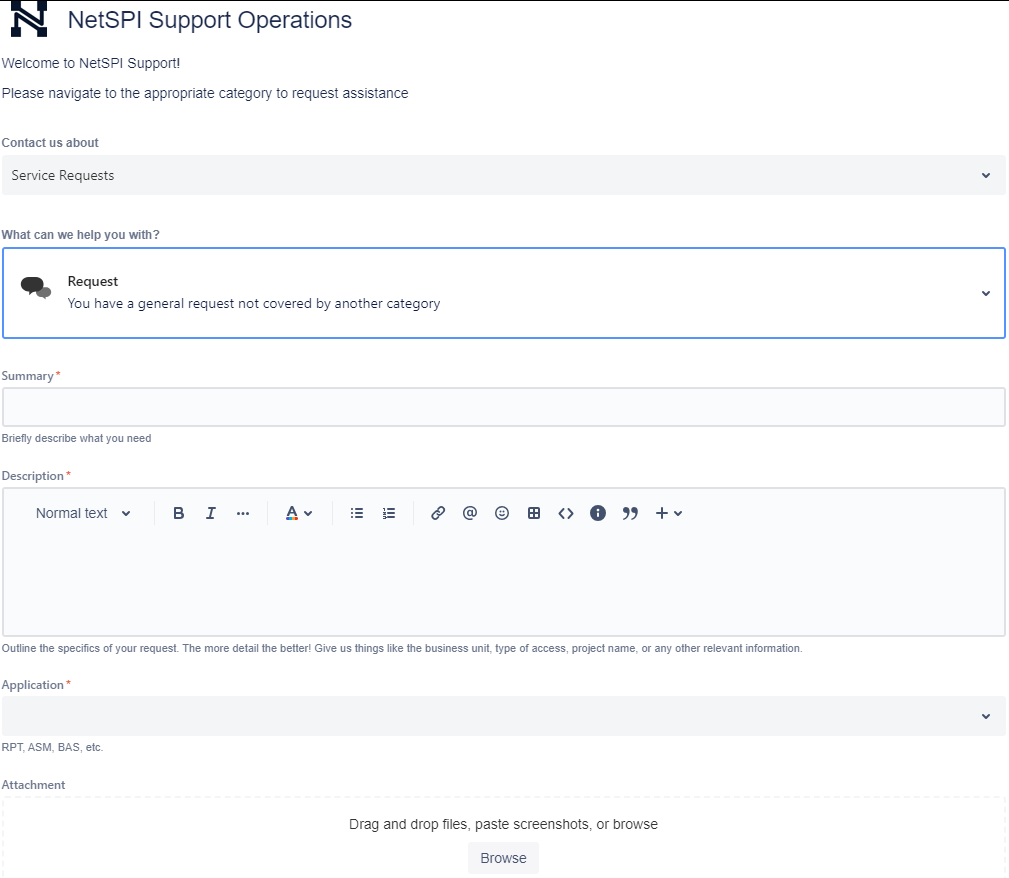
Forms will prompt you for the information we need to assist you promptly.
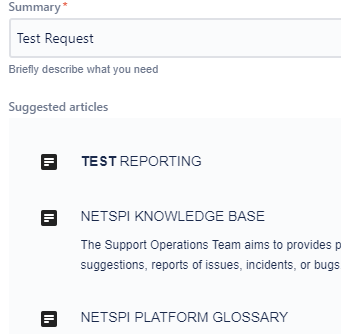
Entering a summary may help you find a solution in our knowledge base.
If you can’t find a solution to your issue in the knowledge base, complete the form, attach any screenshots you think may be helpful, and select Send.
Tracking your request
-
From the main portal page, in the top right, select Requests.
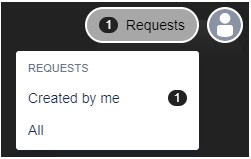
All active requests that you’ve raised are here.

-
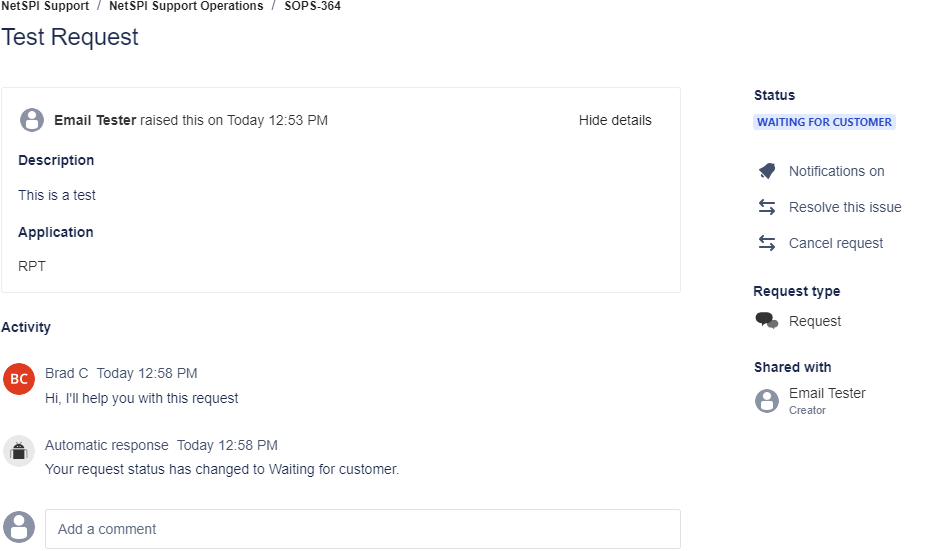
You can take several actions in your own ticket (add a comment, turn notifications on/off, resolve the issue, cancel the request, email the tester, etc.).