

Activity Log
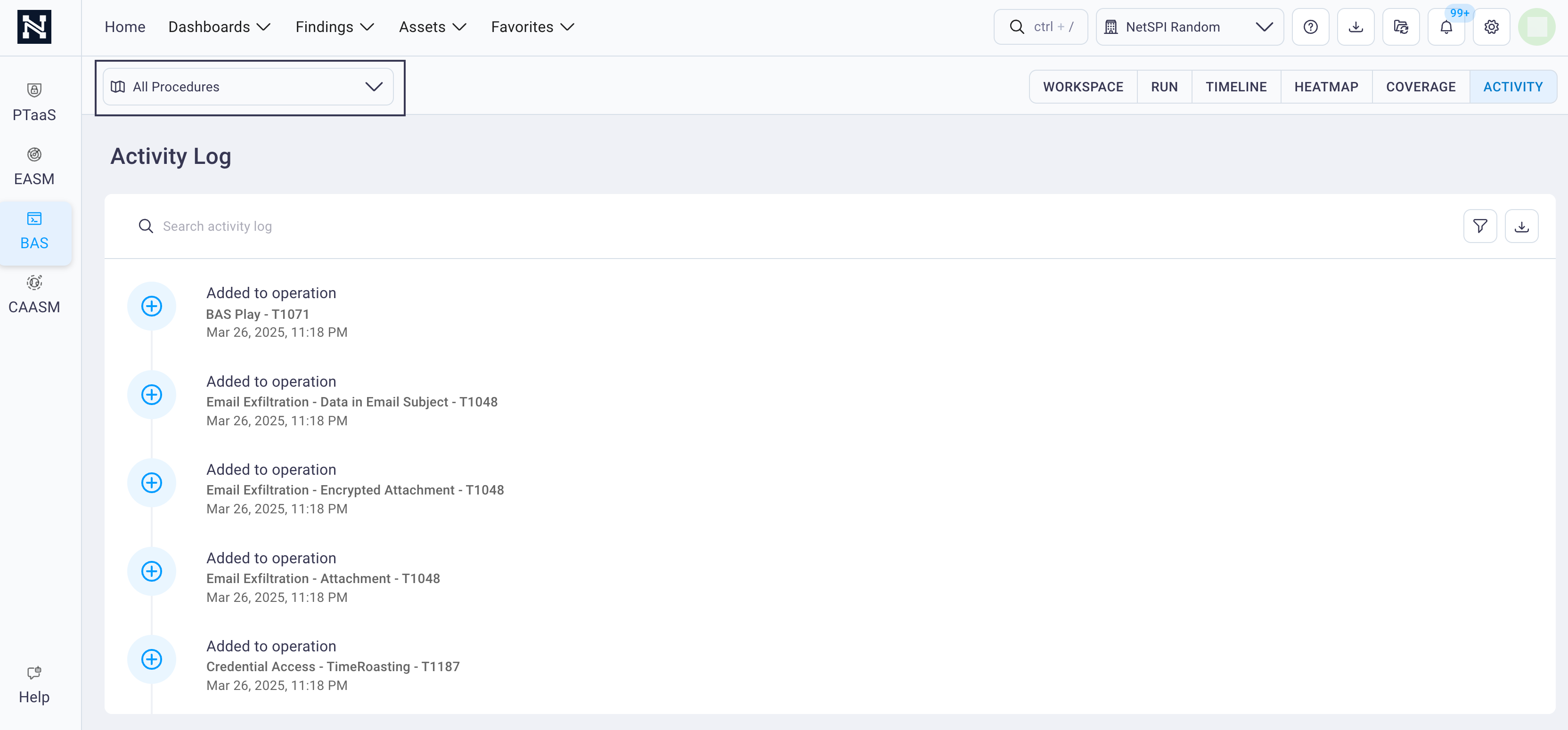
The Activity Log displays a history of project actions taken for a selected procedure.
-
Select the desired Procedure from the dropdown list in the upper left corner to display a history of activity for it.
-
To navigate and locate activities in the Activity Log, choose one of the following actions.
-
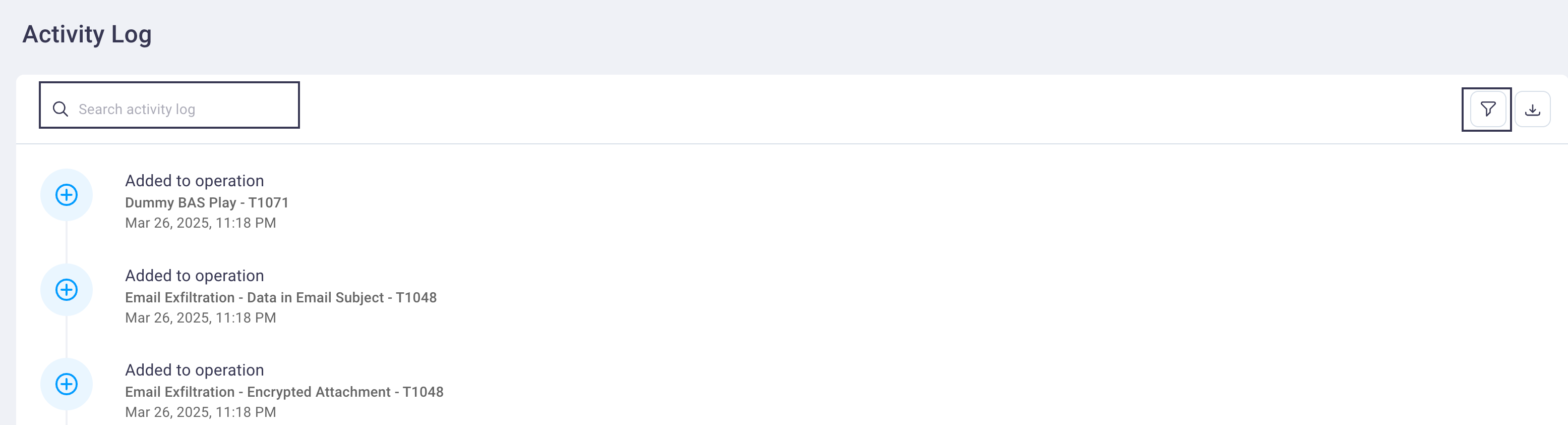
Enter a search term in the Search field to find specific activity log items or select the Filter icon to filter the activity log entries to specific criteria.
-
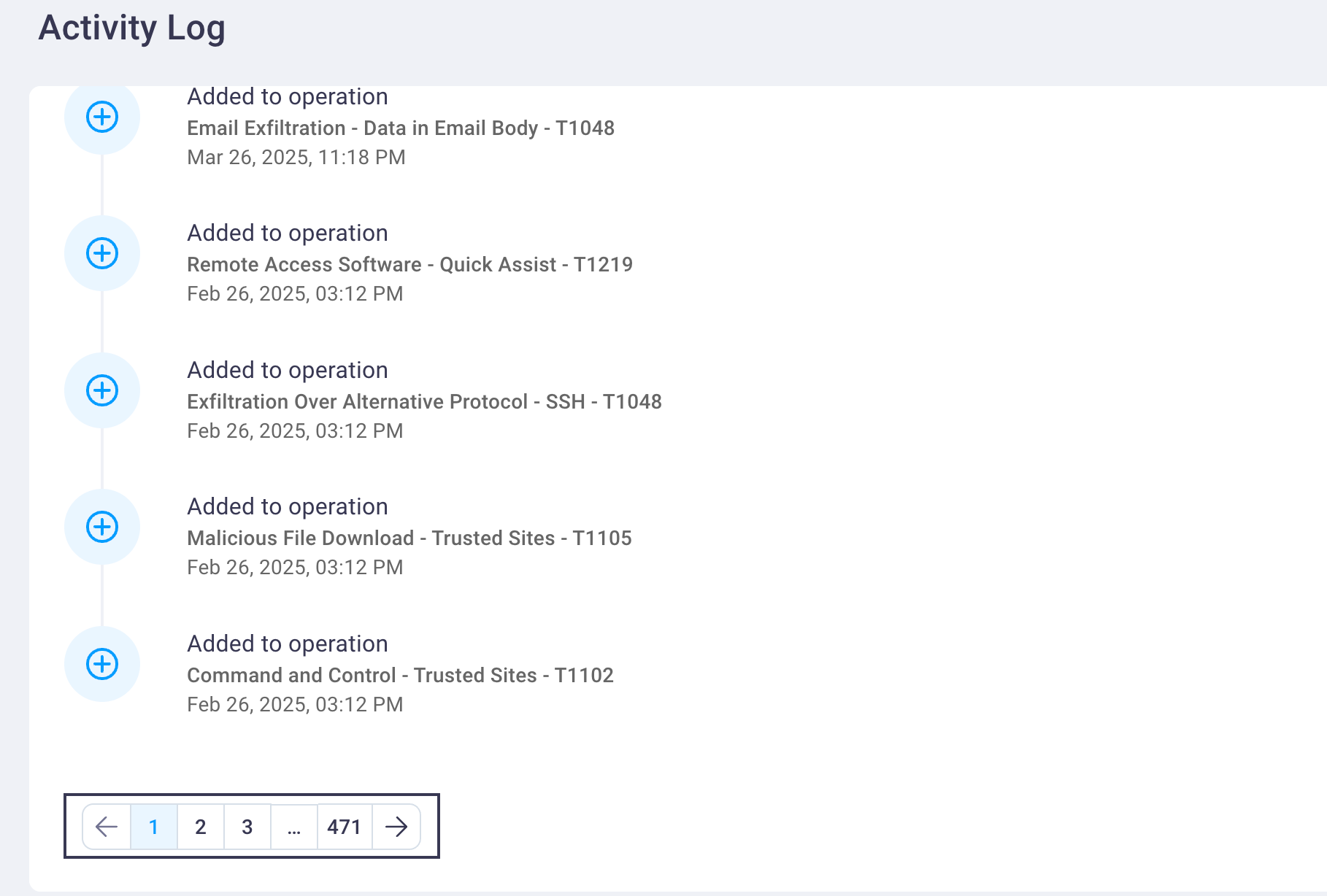
Scroll down the page to view the page's full history, and select page numbers in the range displayed.
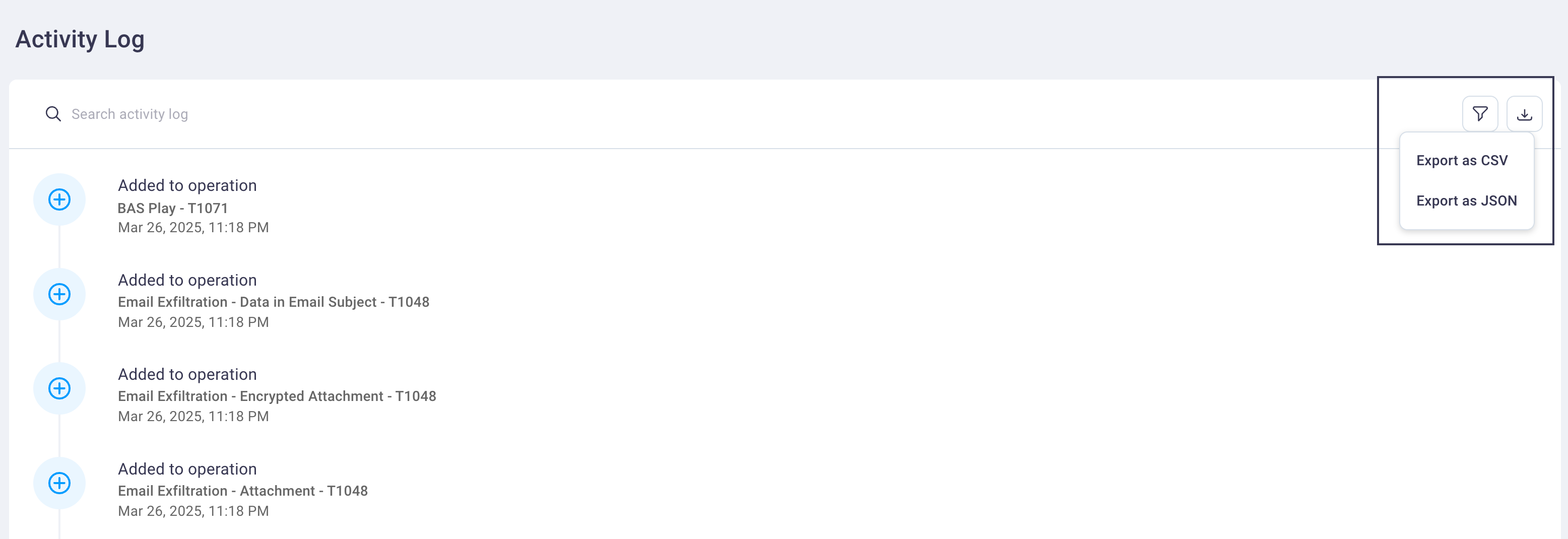
Note: You can also export a CSV or JSON formatted list of Activity Log entries when you select the Filter icon.
-