

Tags
You can create and manage labels to categorize and filter items across the platform.
To open the Tags page, click the Tags tile on the Settings page.
System Tags
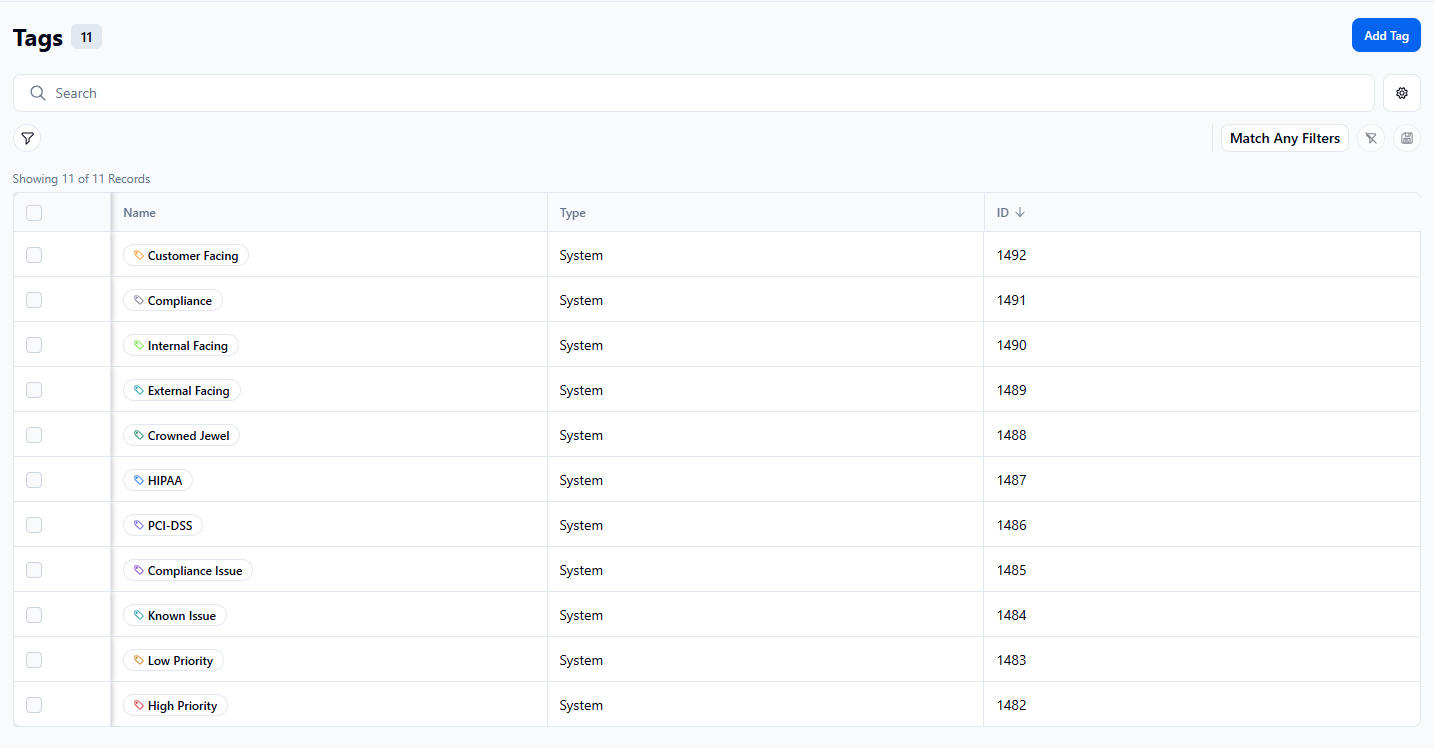
When you open the Tags page, you will notice that system tags are already listed. Each has a name, description, and color assigned. These tags cannot be changed or deleted but can be used as needed.
Create a Custom Tag
To create your own tag, follow these steps:
- Click Add Tag.
- Enter a Name for the tag.
- Enter a Description of the tag.
- Select a color for the tag.
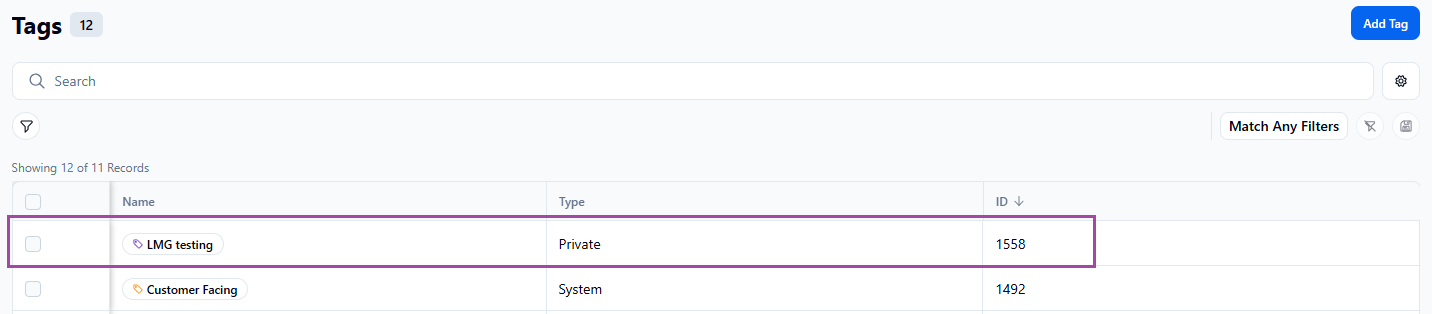
- Click Add Tag. The new tag will automatically be assigned an ID and listed at the top of the tag list as a private tag.
Delete a Private Tag
To delete a private tag, open it in the list and click Delete on its page.
Once you delete a tag, you cannot undo the deletion.