

Admin Notification settings
Use the steps below to enable or disable types of notifications for all of your organization's NetSPI Platform users.
- Select the Settings icon
 to display the Settings page.
 - Then select the Admin Notification Settings card to display the Admin Notification page.
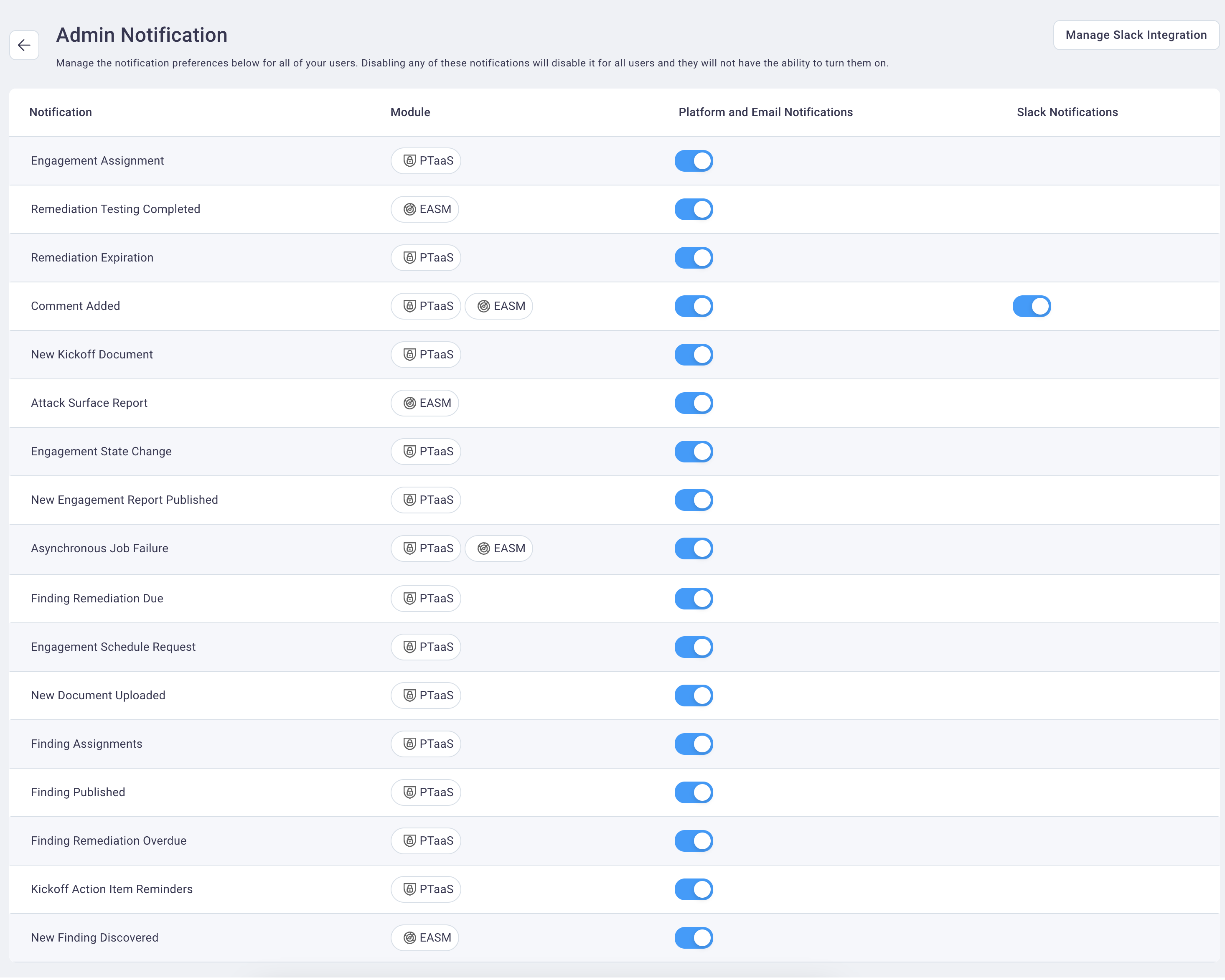
-
Select the slider to be enabled or disabled for each notification action to want to be available, or not, for all of your organization's users.
-
Moving the slider to the right (showing a blue color
 on the left
side of the slider) means that notification type is enabled for all of your users.
on the left
side of the slider) means that notification type is enabled for all of your users. -
Moving the slider to the left (showing a white or gray color
 on
the right side of the slider) means that notification type is disabled for all of your users.
on
the right side of the slider) means that notification type is disabled for all of your users.
-
- Select the back navigation icon
 to return to the Settings page.