
Notification Settings
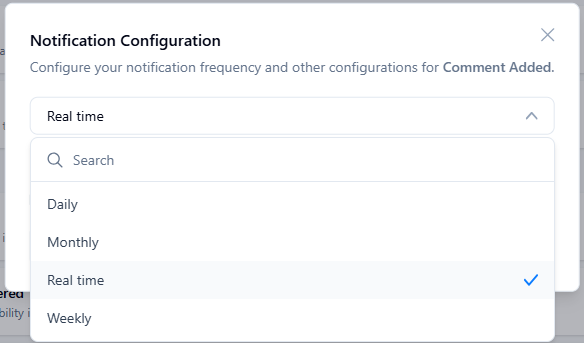
Notification settings allow you to control how and when you receive information from NetSPI. Notifications are delivered directly within the NetSPI Platform, email, or Slack (when enabled and allowed).
Notification types and icons
Use the information below to guide you through setting up your notifications.

Manage Notifications
- In the side menu, click Settings.
- Under Personal, click Notification Settings.
- Move the slider for each available notification type to toggle it on or off for that topic, for either:
- App Notification (notifications displayed in the NetSPI Platform), or Email Notification.
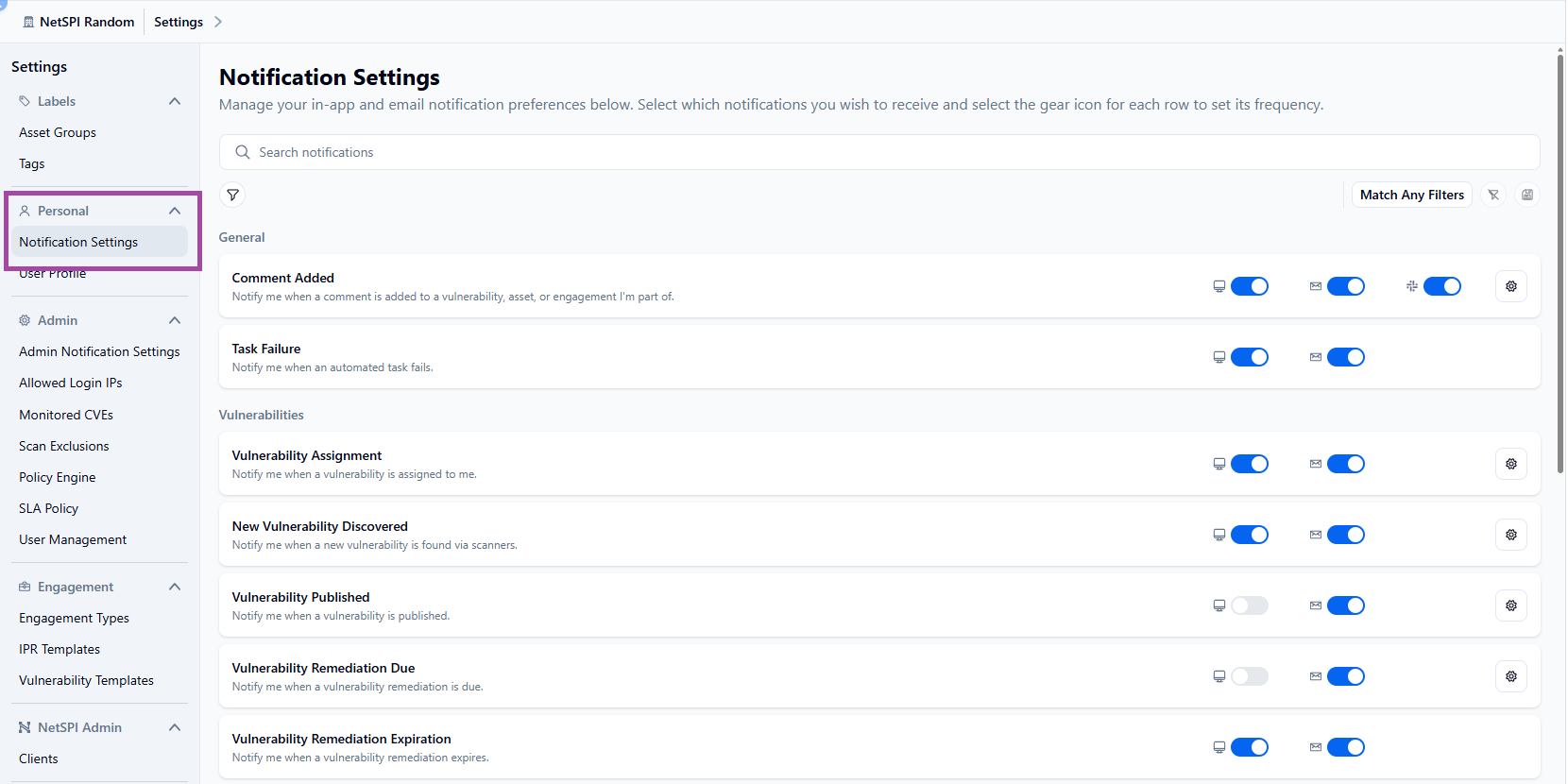
Notifications that allow further configuration display a gear icon (as seen in the above graphic). Configuration options let you set notification frequency or vulnerability severity.
You can also choose to receive notifications only when mentioned. After selection, click Save.