
User Profile
You can manage your personal account details and preferences that are not managed by an admin account user.
Your user profile consists of the following tabs:
- Overview — your basic profile information, such as personal details, location, and ID.
- Group — the group that you have been assigned to.
- Engagements — the types of engagements that you have access to and at what level of permission.
- Orchestration — the scanners, integrations, and agents you are able to add and modify.
- API — where you create and manage API tokens
Overview
The Overview tab contains all your personal information — email, location, status, ID. Fields that you are not allowed to edit are disabled.
Profile Picture
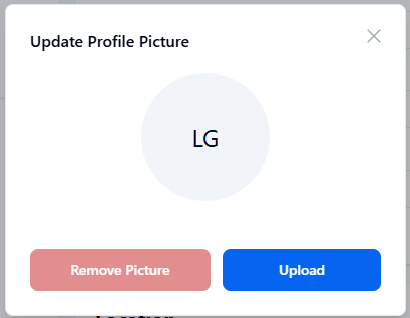
If you would like to add a profile picture click the empty profile picture above your profile name. Click Upload and select the picture to use.
Group
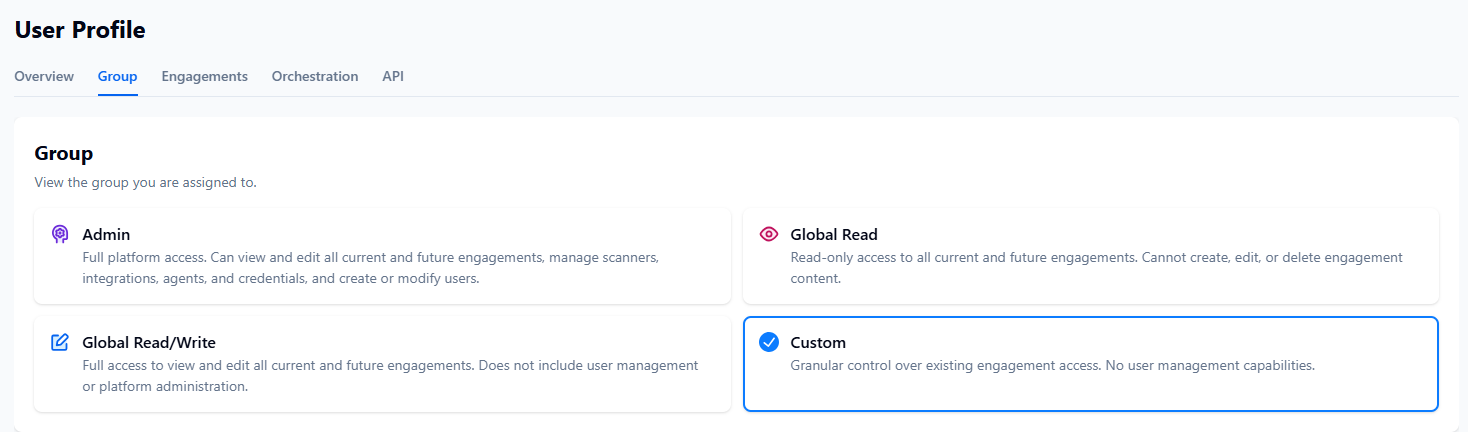
This is a view-only page. Your Client Admin will assign you to a user group. Each group includes a definition of the type of access granted, and what can and cannot be done with that access.
The group you're assigned to will be highlighted in blue.
Engagements
This is a view-only page. Your Client Admin will assign you to engagements based on user groups. Each engagement type is listed with the granted permission, engagement name, engagement model, and engagement type.
Orchestration
This is a view-only page. Your Client Admin will assign you to scanners, integrations, and agents, which you can add and modify based on the engagement types you have been assigned to.
API
Use an API token to keep vulnerability and asset data synchronized between the NetSPI Platform and your tools or workflows without manual exports. You can create or generate an API token from the API tab.
To generate a token:
- Click Generate API Token.
- Use the copy icon to copy and paste the token within the platform as needed.
- Click Delete API Token when finished.