

Manage Vulnerabilities
You can manage your organization's vulnerabilities from the Actions Bar or the Vulnerability Details Side Panel, depending on the level of change needed.
Actions Bar
To activate the action bar, click Select or select the engagement row checkbox on the table. Use the actions bar to select multiple engagements and perform the same bulk action on each one.
From the actions bar, you can change severity, update the engagement state, or assign a remediation user. Select the action you want, then follow the prompts in the dialog box.
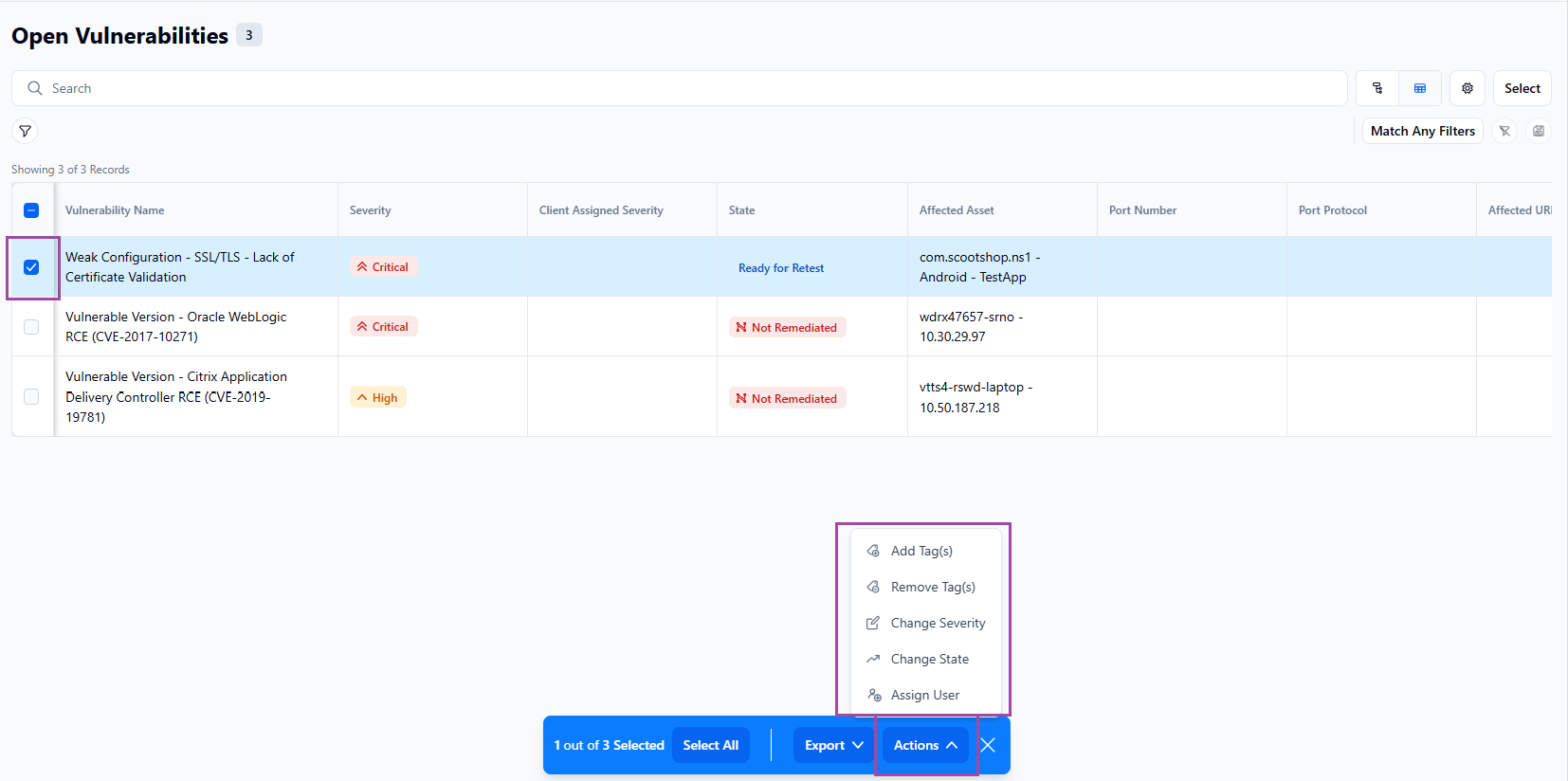
The list of available remediation states is determined by which state the engagement is currently in.
Vulnerability details side panel
Using the vulnerability details side panel is ideal for a single engagement.
From the Vulnerability Details side panel, you can confirm the current severity, apply a client-assigned severity to reflect business context and personal prioritization, and update the state as remediation progresses. This helps keep NetSPI aligned on what to prioritize during remediation testing and validation.
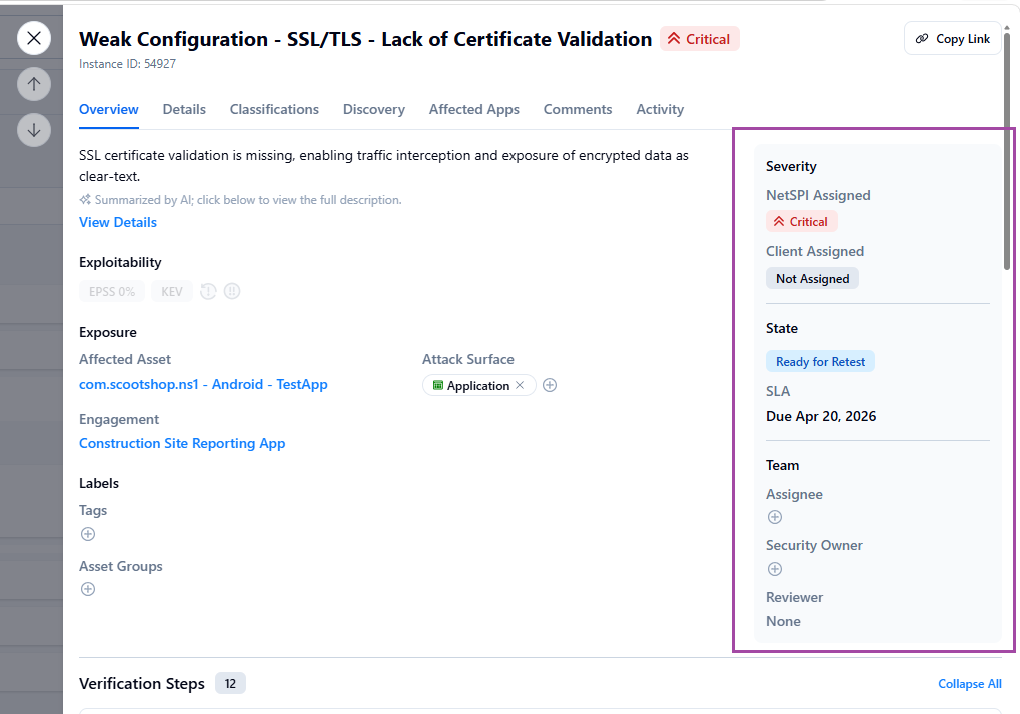
Severity
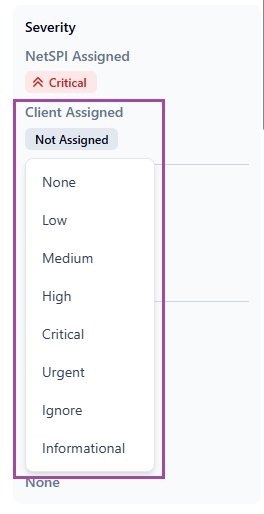
The one area that can be managed is client assigned severity. Click the entry to open the list of available choices and select one that meets the severity needs for the vulnerability.
State
Click the entry to open the list of available states and select the next state to move the vulnerability to.
For more information and to review a list of vulnerability states, reference: Vulnerability States and Definitions
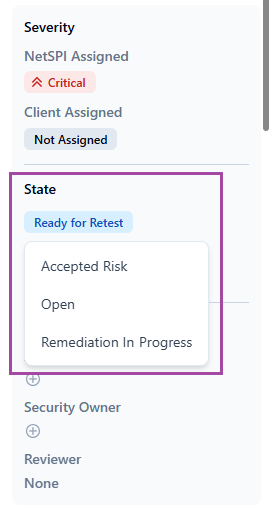
The list of available remediation states is determined by which state the engagement is currently in.
Team
The Team section is used to managed assignments for Assignee, Security Owner, and Reviewer.
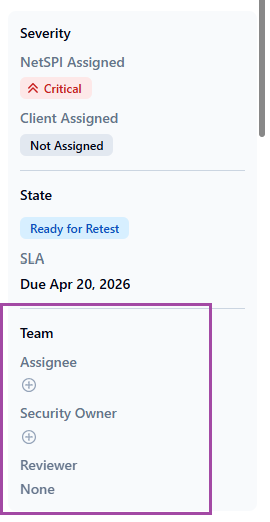
Assignee and Security Owner
To add either:
- Click the Add icon.
- Search for and then choose the Assignee or Security Owner from the list.
- Click Submit.
To remove a team member, select the member and click the Delete icon.